GoodNotes Planner
1,000 hyperlinked A4 pages for GoodNotes & Notability: tap the tabs to jump to any month, week or day.
$5.99 — instant download
Checkout by Whop • Instant download • Personal use
What's included
- A fully hyperlinked planner: tap the month tabs, index rows or day buttons to jump anywhere
- Year at a glance, yearly goals, vision and word of the year, important dates, year in pixels and year in review
- 12 undated months, each with a linked divider, calendar with day buttons, monthly goals and review, and a habit tracker
- 120 weekly pages — a day-row planner and a time-block view for every week
- 372 daily plan pages (hourly schedule, top 3, to-do, water, mood, gratitude) and 372 daily notes pages, linked day to day
- Goal and project planners, a vision board, and trackers and logs: reading, meals, budget, passwords, contacts, brain dump
- 43 notes pages — lined, dot grid, square grid and blank; duplicate any page inside your app
- Made for stylus writing in GoodNotes, Notability and Noteshelf — no type-in fields, just write
- Every page of this planner can be edited in Canva if you want a different look — a free Canva account works.
Who this is for
iPad owners who plan with a pencil in GoodNotes or Notability and want a whole year — months, weeks and days — one tap apart, undated so it never expires.
Details
- Format: PDF download
- Pages: 1000 pages (plus an Edit-in-Canva link page inside the file)
- Paper: A4 and US Letter
- Editing: Print-and-play — nothing to edit, install or sign up for
- Delivery: Instant, by Whop
- Licence: Personal use — extra copies of GoodNotes Planner for your own household, class or party are fine
How you'll use it
This is the one MerryHub planner that is not really for paper: 1,000 hyperlinked A4 pages made for stylus writing in GoodNotes, Notability and Noteshelf. The hyperlinks are the product — tap the month tabs, index rows or day buttons to jump to any month, week or day, which makes a 1,000-page file feel small. Inside: year at a glance, yearly goals, vision and word of the year, important dates, year in pixels and year in review; 12 undated months, each with a linked divider, calendar with day buttons, monthly goals and review, and a habit tracker.
The daily layer is the deepest: 120 weekly pages in two views — a day-row planner and a time-block view — plus 372 daily plan pages (hourly schedule, top 3, to-do, water, mood, gratitude) and 372 daily notes pages, linked day to day. Around that sit goal and project planners, a vision board, trackers and logs for reading, meals, budget, passwords, contacts and brain dump, and 43 notes pages — lined, dot grid, square grid and blank — duplicable inside your app. There are deliberately no type-in fields: you write with the pencil, undated, so at $5.99 it never expires.
How to use it
- Check out on Whop.
- Download the GoodNotes Planner PDF — it stays in your Whop library.
- Print, cut along the guides where shown, and play.
Digital download only — checkout and instant delivery by Whop; no physical item is shipped with GoodNotes Planner. Rules are on our Terms of Use page; questions welcome via the contact page.
GoodNotes Planner — $5.99
1,000 hyperlinked A4 pages for GoodNotes & Notability: tap the tabs to jump to any month, week or day.
Buy — $5.99 →Checkout by Whop • Instant download • Personal use
Share this pack
Frequently asked questions
How do I get the file?
Checkout is on Whop. After payment, GoodNotes Planner is ready at once — its 1000-page PDF downloads straight away — just write — and stays in your Whop library, so nothing is posted to you.
What do I need to print it?
A home printer and A4 or US Letter paper. You do not need to print this planner at all — import the PDF into GoodNotes, Notability or Noteshelf and write with your stylus; the tabs and day buttons are hyperlinks. Single pages can still be printed on A4 if you ever want one on paper. Colour looks best; greyscale works too.
Do I need any software or an account?
Yes — this planner is made for a notes app rather than a printer: import the PDF into GoodNotes, Notability or Noteshelf and write with a stylus. There are no type-in fields; the pages are for handwriting, and the tabs and day buttons are hyperlinks.
Can I print more than one copy?
Certainly — if you want paper too, print the monthly calendars, weekly pages and daily plan pages you need for yourself. Don't share or resell the file itself; send friends to MerryHub for their own copy.
You may also like
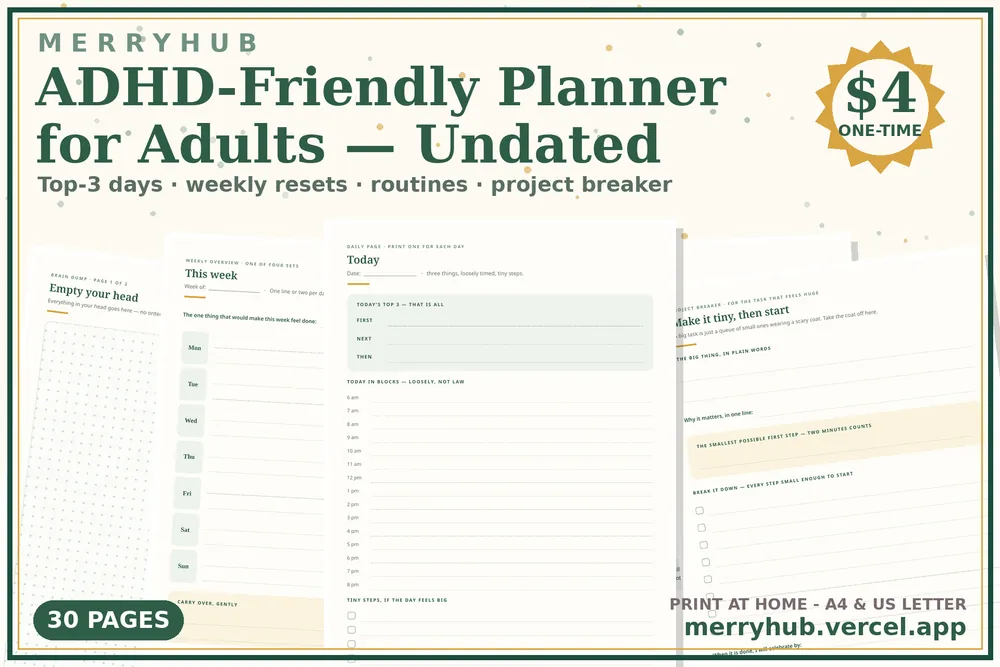
ADHD-Friendly Planner — $4
Undated daily and weekly planner with reset pages for adults.
See what's inside →
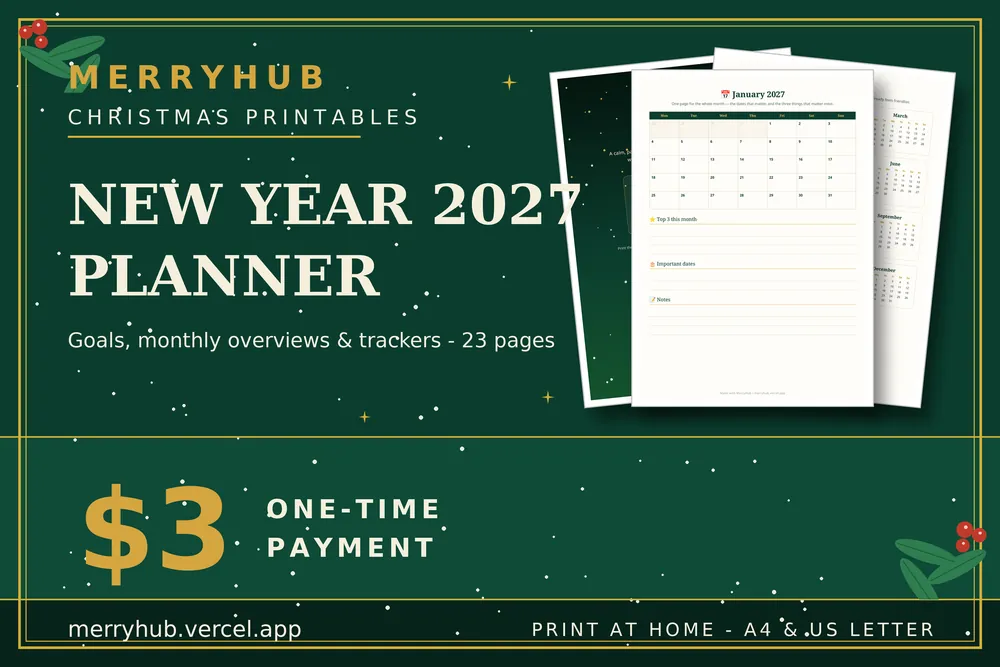
2027 New Year Planner — $3
Goals, monthly pages and January weeks for 2027, A4.
See what's inside →
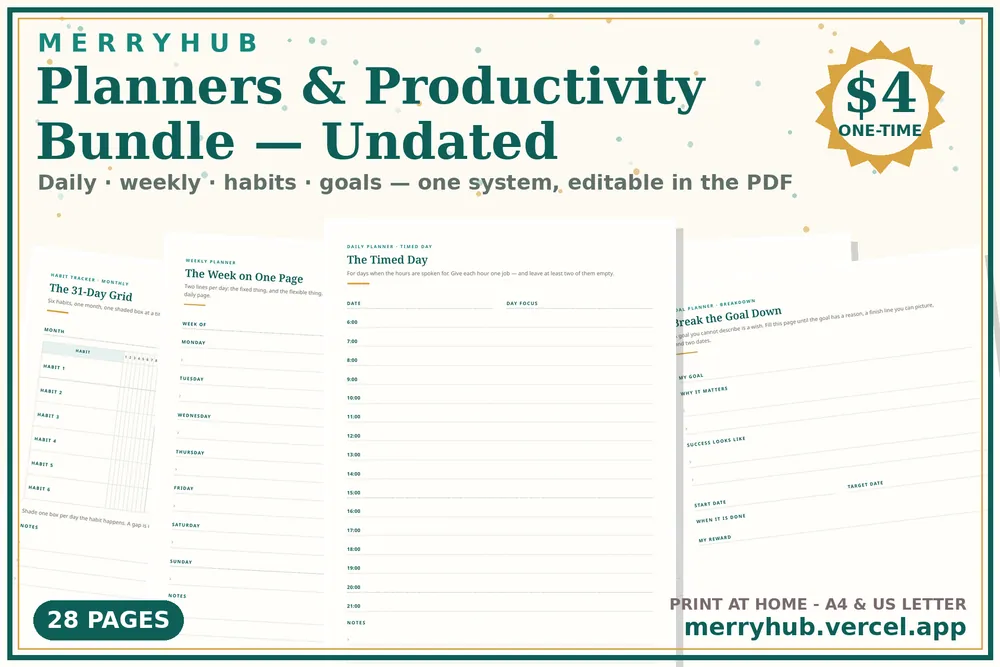
Planners & Productivity Bundle — $4
Undated daily, weekly, habit and goal pages, 28 A4 pages, editable in the PDF.
See what's inside →